


Managing business documents is no longer just about storing files. In modern ERP-driven organizations, documents are part of operational workflows, financial compliance, and decision-making processes. Odoo Documents represents Odoo’s approach to ERP-native document management, tightly integrated with accounting, HR, sales, and operations.
As more companies plan an Odoo upgrade to Odoo 19, understanding how Odoo Documents works—and how it evolves across versions—becomes critical. This guide explains what Odoo Documents is, how it works, when it makes sense to use it, and how to prepare your document workflows for future upgrades like Odoo 19.
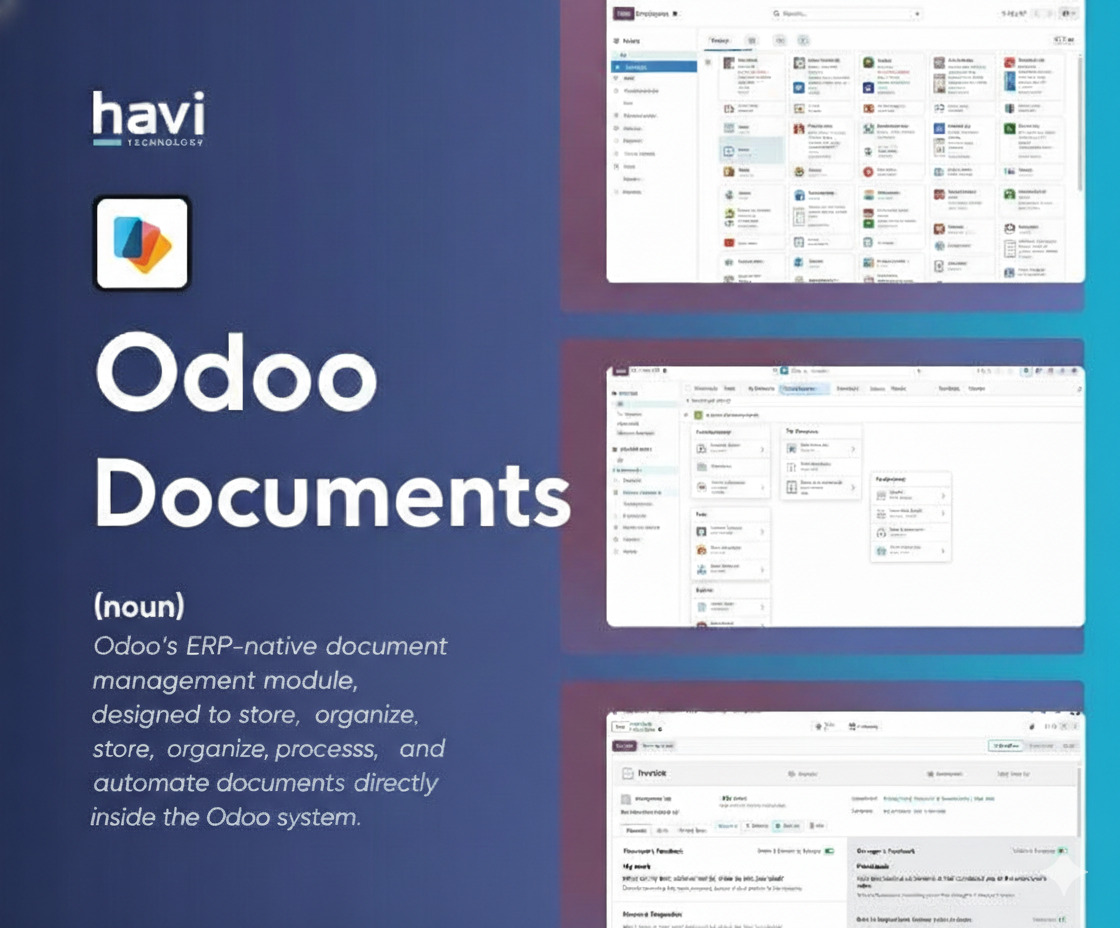
Odoo Documents is not a traditional Document Management System (DMS). It is an ERP-native document workspace designed to manage business files in context, not in isolation.
Unlike external tools such as Google Drive or SharePoint, Odoo Documents is built to:
In Odoo ERP, documents are not passive files. They are:
This ERP-centric approach is especially important when planning an Odoo upgrade to Odoo 19, where document automation, AI-assisted processing, and tighter module integration are expected to expand further.
At a technical and functional level, Odoo Documents acts as a document layer on top of Odoo’s business objects.
Key architectural components include:
This architecture ensures documents remain process-driven, not folder-driven.
Odoo Documents provides a single source of truth for business files. Instead of scattered documents across email, local drives, and third-party tools, everything lives inside Odoo ERP.
Benefits:
This centralization is especially valuable during major version upgrades, such as upgrading from Odoo 16/17 to Odoo 19, where consistent document storage prevents data loss.
Automation is the heart of Odoo Documents.
Examples include:
These automations:
Automation rules should be reviewed and optimized before an Odoo upgrade to Odoo 19, as newer versions often enhance automation logic.
Odoo Documents includes Optical Character Recognition (OCR), particularly useful for accounting documents.
OCR allows Odoo to:
While OCR accuracy improves with each version, businesses planning an Odoo upgrade to Odoo 19 should expect:
Odoo Documents does not exist alone. It integrates tightly with:
This deep integration is the main reason many companies choose Odoo Documents over standalone DMS tools.
Accounting is the most mature use case for Odoo Documents.
Typical workflows:
Benefits:
During an Odoo upgrade to Odoo 19, accounting document workflows should be tested first due to their financial impact.
HR teams use Odoo Documents to manage:
Key advantages:
This is critical for data protection compliance and becomes more robust in newer Odoo versions.
Legal teams benefit from:
While Odoo Documents is not a full contract lifecycle management tool, it covers core needs for SMEs and mid-sized companies.
AspectOdoo DocumentsTraditional DMSERP IntegrationNativeLimitedAutomationBusiness-rule basedFolder-basedAccounting SyncYesNoUpgrade CompatibilityHighDependsCost EfficiencyIncluded in ERPSeparate licensing
For companies already using Odoo, Odoo Documents usually delivers higher ROI, especially when aligned with an Odoo upgrade to Odoo 19 roadmap.
Upgrading Odoo is not just a technical task—it’s a process optimization opportunity.
Before upgrading:
This ensures a smoother Odoo upgrade to Odoo 19.
Custom document actions or third-party integrations must be:
Ignoring this step is one of the biggest upgrade risks.
Document links to:
must remain intact post-upgrade. A professional upgrade plan ensures no document is orphaned.
These practices future-proof your system for upgrades beyond Odoo 19.
Yes, but with caveats. Odoo Documents scales well for mid-sized and growing organizations. Very large enterprises may require hybrid solutions.
Documents that:
may be better stored externally.
Each major Odoo upgrade improves:
Odoo 19 is expected to further strengthen document-centric workflows.
Treating it like a file cabinet instead of a process engine.
Odoo Documents is not just a document repository—it is a process-driven document layer embedded inside Odoo ERP. It shines when documents are:
For organizations planning an Odoo upgrade to Odoo 19, Odoo Documents becomes even more valuable as automation, AI, and integration capabilities continue to evolve.
When implemented strategically and aligned with your upgrade roadmap, Odoo Documents can transform document chaos into structured, efficient, and scalable business processes.